






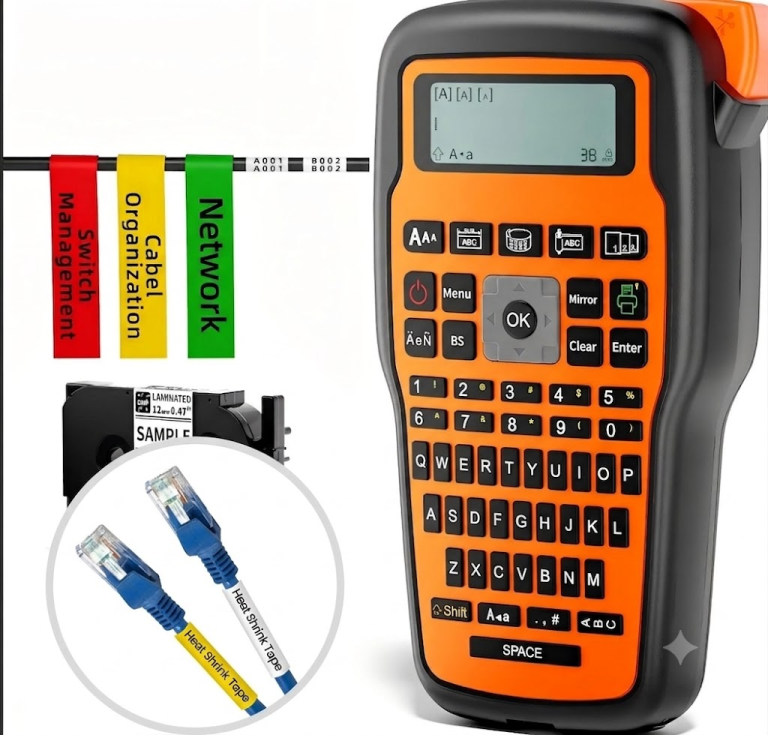
E1000Pro heat shrink label maker
FCC CE ROHS Certificates E1000 Pro 3.5mm-12mm Handheld Industrial Thermal Transfer Label Maker.
<span style="font-family: arial, helvetica,

Introduction: The Multi-Tasking Heart of Your Store
A retail store thrives on clarity, efficiency, and presentation. Behind the scenes, this often depends on one crucial tool: your printer. But is there a single “best printer for retail”? The answer isn’t one machine, but the right combination of technology tailored to your specific tasks—creating eye-catching price tags, managing inventory with barcodes, and providing fast checkout receipts. This guide breaks down the needs of modern retail and how to meet them with a smart printing strategy.
A successful retail operation typically relies on three distinct types of printing, each with unique requirements:
| Printing Task | Primary Device Type | Key Requirements & Pain Points Solved |
|---|---|---|
| Price Tags & Promotional Labels | Portable Label Printer | Mobility, Design Flexibility. Allows staff to create and print tags on the sales floor. Solves slow updates, uniform branding, and dynamic pricing. |
| Inventory & Barcode Labels | Desktop Barcode Label Printer | Durability, Speed & Precision. Produces high-volume, scannable barcodes for stock control. Solves inventory errors and inefficient receiving/shipping. |
| Sales Receipts | Thermal Receipt Printer | Speed, Reliability, Compatibility. Prints fast, quiet transaction records. Solves customer wait times and POS system integration headaches. |
FCC CE ROHS Certificates E1000 Pro 3.5mm-12mm Handheld Industrial Thermal Transfer Label Maker.
<span style="font-family: arial, helvetica,

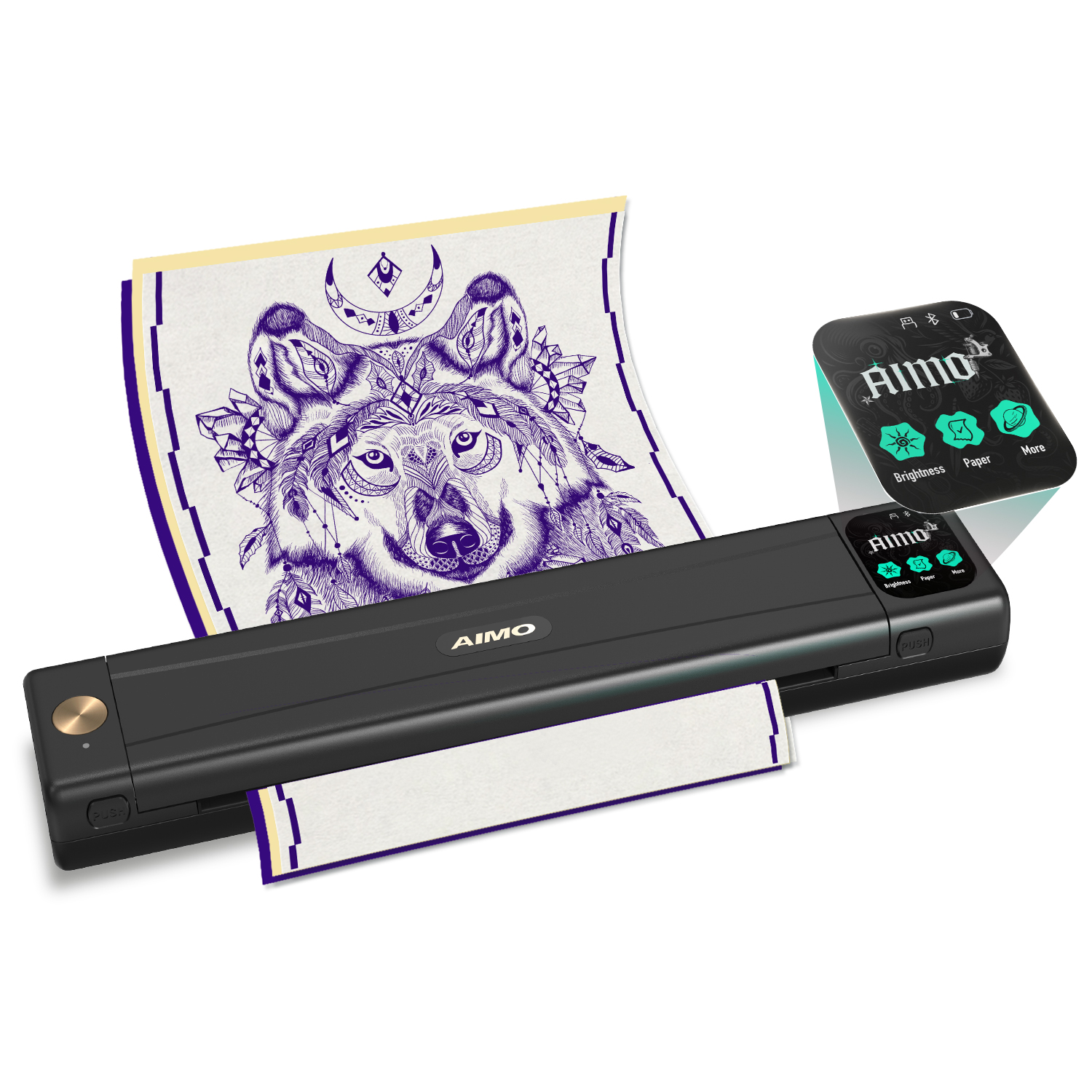
AIMO M08E Portable Printer Wireless for Travel – M08E portable printer weighs only 2.1

AIMO self-manufactured tube marking printer M550, which can be print consumables contains labels, PVC

100% Compatible DYMO Label Writer printer, Continuous Paper Label Roll,<span style="font-family: arial, helvetica, sans-serif; font-size:
When evaluating printers, consider these features across categories:
For Labels & Tags:
Wireless Connectivity (Bluetooth): Essential for portability and printing from mobile devices or POS tablets.
App with Retail Templates: Software should offer pre-designed templates for price tags, sale badges, and brand-specific labels.
Label Material & Size: Ensure compatibility with durable, adhesive labels in sizes suitable for your products (from small jewelry tags to larger shelf labels).
For Receipts:
Print Speed (mm/s): A faster printer (e.g., 200mm/s+) reduces queue times during peak hours.
Paper Width (58mm/80mm): Choose based on your receipt detail needs and POS compatibility.
Duty Cycle: Can it handle your store’s daily transaction volume reliably?
The AIMO Retail Ecosystem: A Tailored Solution for Every Task
Instead of a one-size-fits-all machine, AIMO provides an integrated ecosystem of printers that together cover all retail needs, making it a top contender for the best retail printing solution.
For On-the-Floor Agility: AIMO Portable Label Printers (e.g., M150, M220)
Perfect for boutiques, bakeries, or supermarkets. Staff can instantly print updated price tags, promotional sale labels, or “New Arrival” badges from a smartphone. The powerful app includes hundreds of retail-focused templates.
For Back-Office Efficiency: AIMO Desktop Barcode Printers (e.g., D520BT)
Built for the stockroom. These robust printers generate sharp, high-volume barcode labels for inventory management, shipping, and compliance, seamlessly connecting to warehouse management systems.
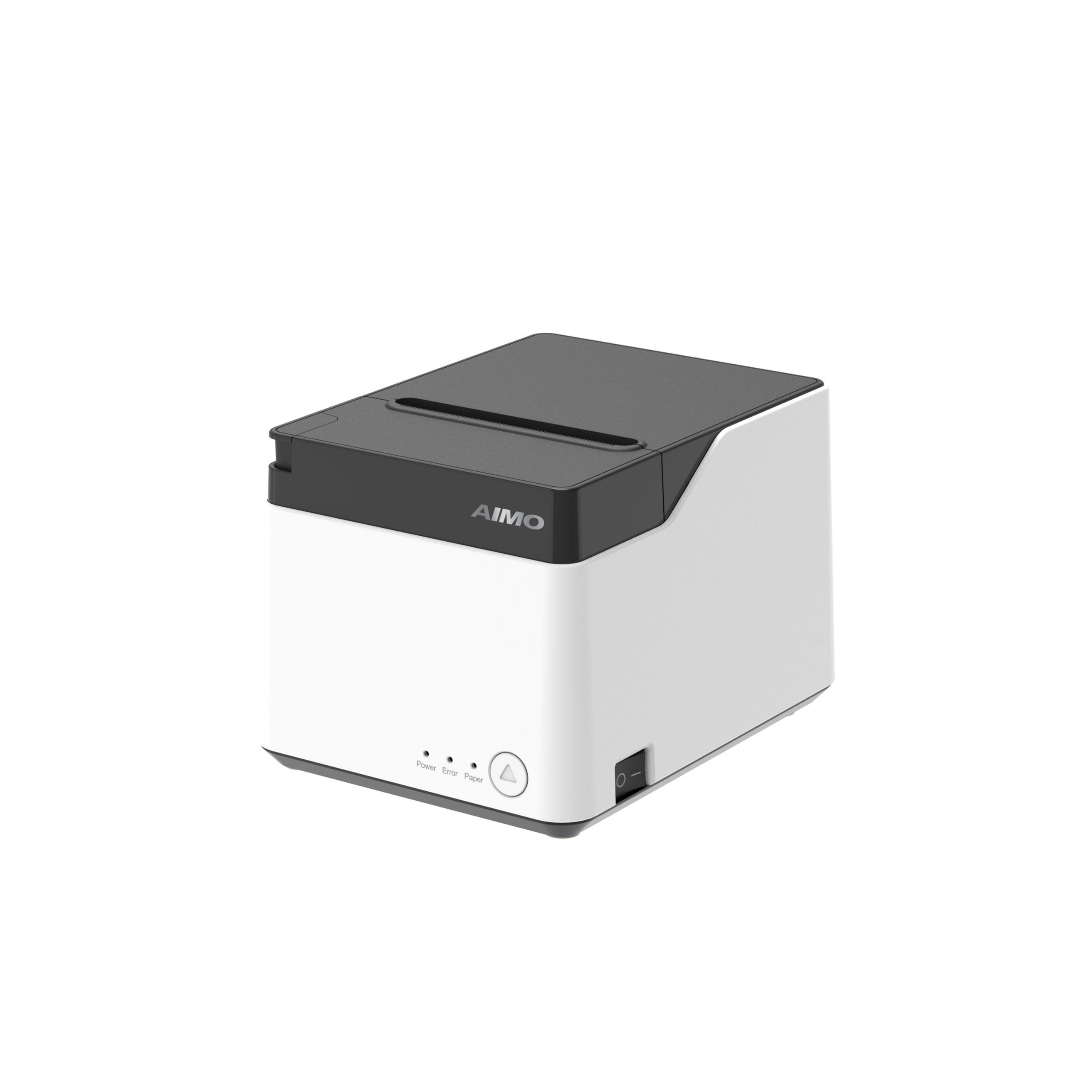
For Lightning-Fast Checkout: AIMO Thermal Receipt Printers (e.g., QF300)
Keep lines moving. Our high-speed 80mm and compact 58mm receipt printers offer unmatched reliability and broad POS compatibility, ensuring every transaction ends smoothly.
Conclusion: The “Best” is a Strategic Fit
The best printer for your retail store is the one that strategically addresses your unique mix of labeling and checkout demands. By choosing specialized tools that work in harmony, you invest in operational smoothness, a professional brand image, and a better customer experience.
Streamline your retail operations from the sales floor to the stockroom. Explore AIMO’s complete range of retail printing solutions designed to work together.

