

Introduction: Yes, You Can—With the Right Setup
A common question for small businesses and inventory managers is: “Can I use a portable printer for barcodes?” The answer is a definitive yes. Modern portable label printers are fully capable of producing high-quality, scannable barcodes for retail, inventory, and asset tracking. This guide explains the requirements to ensure your portable barcodes work perfectly every time.
Success depends on three factors aligning:
Printer Resolution: The portable printer must have sufficient dots per inch (DPI). 203 DPI is the standard minimum for producing clear, scannable linear barcodes (like UPC, Code 39, Code 128). Higher DPI (300) is better for smaller, dense barcodes.
Barcode Generation Software: This is critical. The printer’s companion app or your business software must have a proper barcode generation function. It must allow you to select the correct symbology (barcode type) and input the data correctly.
Label Material: Use smooth, high-quality thermal label paper. Glossy or coated papers can cause glare, while low-quality matte paper can smudge, both of which can hinder scanning.
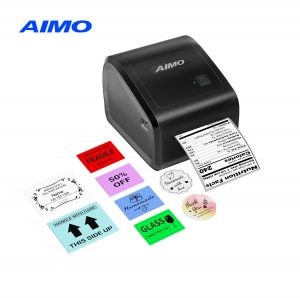
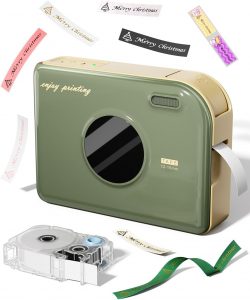
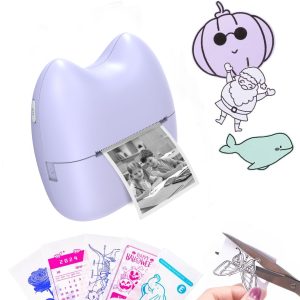
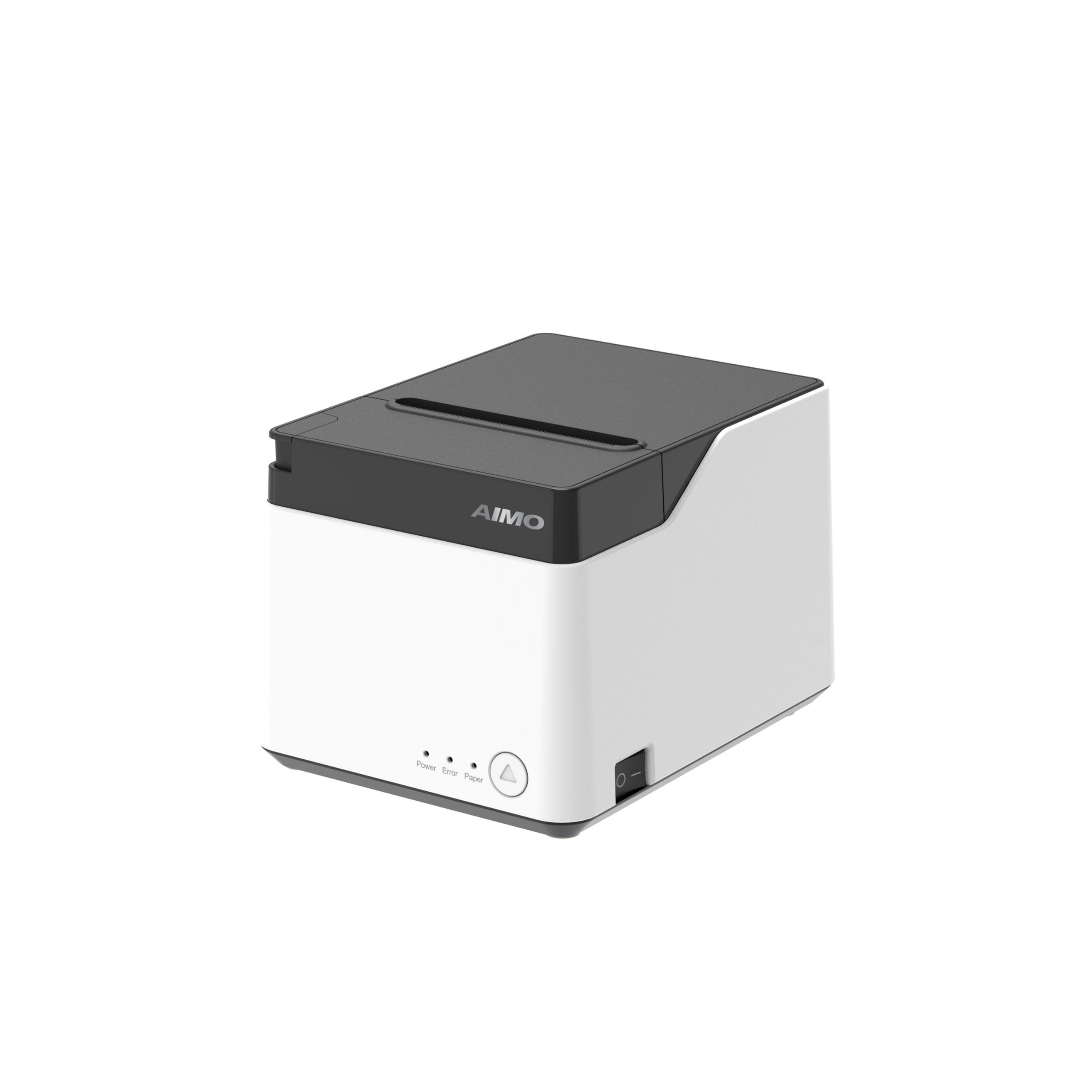
AIMO’s portable printers are designed with these needs in mind, making them excellent choices for mobile barcode printing.
Engineered for Clarity: Our portable models feature 203 DPI print heads that deliver sharp, high-contrast bars and spaces, ensuring first-pass scan success with standard barcode scanners.
Powerful, Integrated App: The Print Master app includes a full barcode generator. Easily create common retail and logistics barcodes (UPC-EAN, Code 128, QR Codes), input your data, and print directly—no third-party software needed.
Print Professional Labels Anywhere: Whether you’re tagging new inventory in the stockroom, creating price tickets on the sales floor, or labeling assets in the field, you can generate compliant barcodes on the spot.
Conclusion: Unlock Mobile Inventory Management
Not only can you use a portable printer for barcodes, but doing so also unlocks a new level of operational agility. It brings the power of accurate, real-time data capture directly to the point of need.
Empower your team with mobile barcoding. Discover AIMO’s portable printers, your tool for professional on-the-spot barcode creation.