Your Simple Checklist for a USPS-Ready Printer
-
Must be a “Label Printer”: Not a standard paper printer. It’s designed to handle rolls of 4×6” thermal labels.
-
Uses “Direct Thermal” Printing: Check the specs. You only need to buy label rolls, no ink or toner.
-
Connectivity: Choose USB for a fixed setup or Bluetooth for portability. Ensure it works with your computer or phone.
Simplify USPS Shipping with AIMO
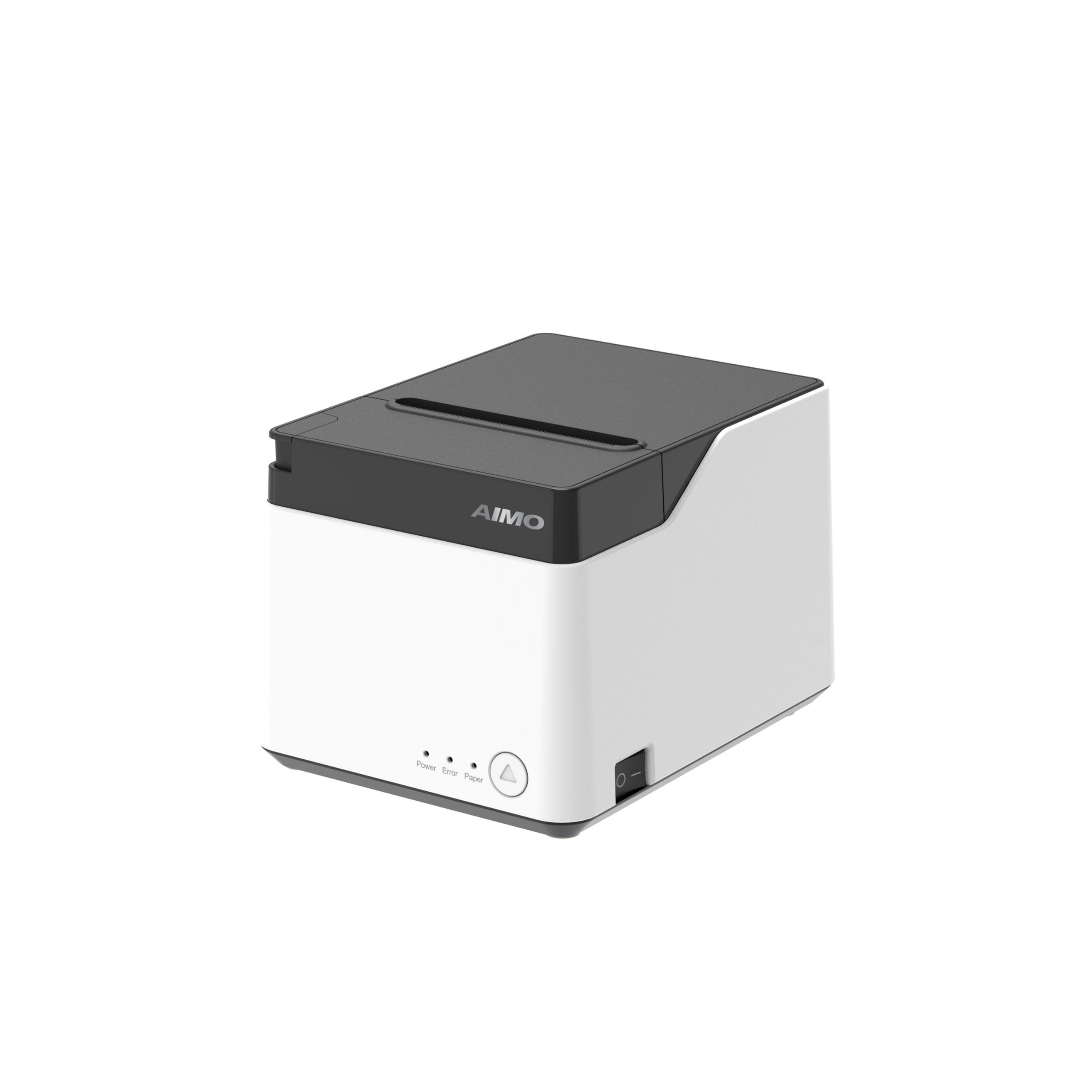
AIMO’s range of 4×6 label printers, from the portable M421 to the desktop D450BT, are perfect companions for any USPS shipper.
-
Guaranteed Compatibility: Our printers are engineered to the exact 4×6” standard. They produce flawless labels that are fully compliant with USPS technical specifications right out of the box.
-
Seamless Workflow Integration: Print directly from the USPS website, third-party platforms like Pirateship, or e-commerce sites. The labels print perfectly every time, with barcodes positioned for optimal scanning.
-
Cost-Effective & Professional: Eliminate the hassle of taping paper to boxes. Print peel-and-stick labels that look professional and ensure your packages are processed efficiently.
Conclusion: The Right Tool for the Job
For anyone regularly using USPS, the answer to “what printer do I need?” is clear: a dedicated 4×6 direct thermal label printer. It’s the single most effective upgrade for reliability, cost-saving, and professionalism in your shipping process.
Ship with USPS confidently and efficiently. Explore AIMO’s USPS-compatible thermal label printers.